01
Account Setup and Career Intent
Create your account, define your target roles, and set preferred locations so we understand what you want.
GetHired boosts your job hunt with personalized CVs for each position, auto-written cover letters, intelligent job matching based on your skills, various career profiles, and instant email and WhatsApp notifications. Say goodbye to endless scrolling on job sites and apply to jobs with ease with applications tailored for each position to help you shine.
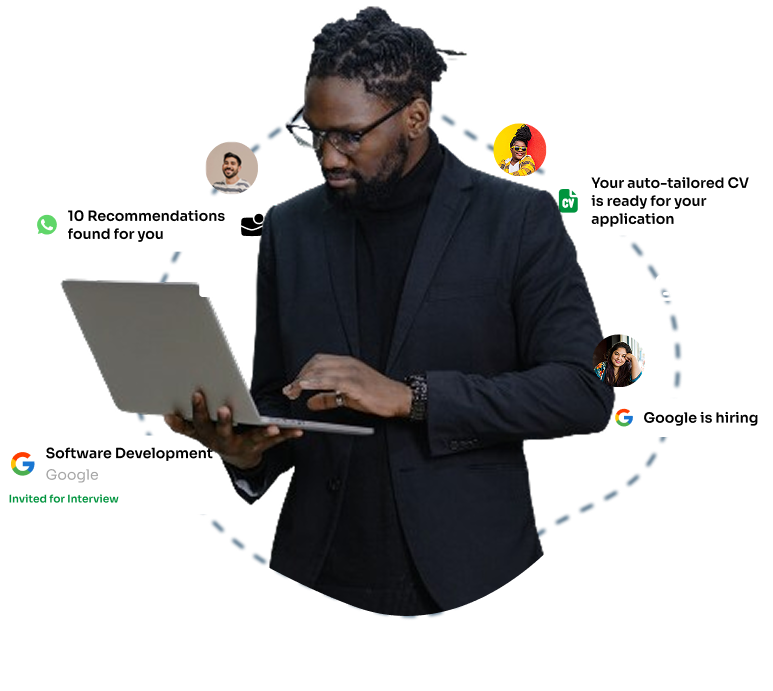

Discover jobs tailored to your exact location and connect with opportunities from businesses in your local area.
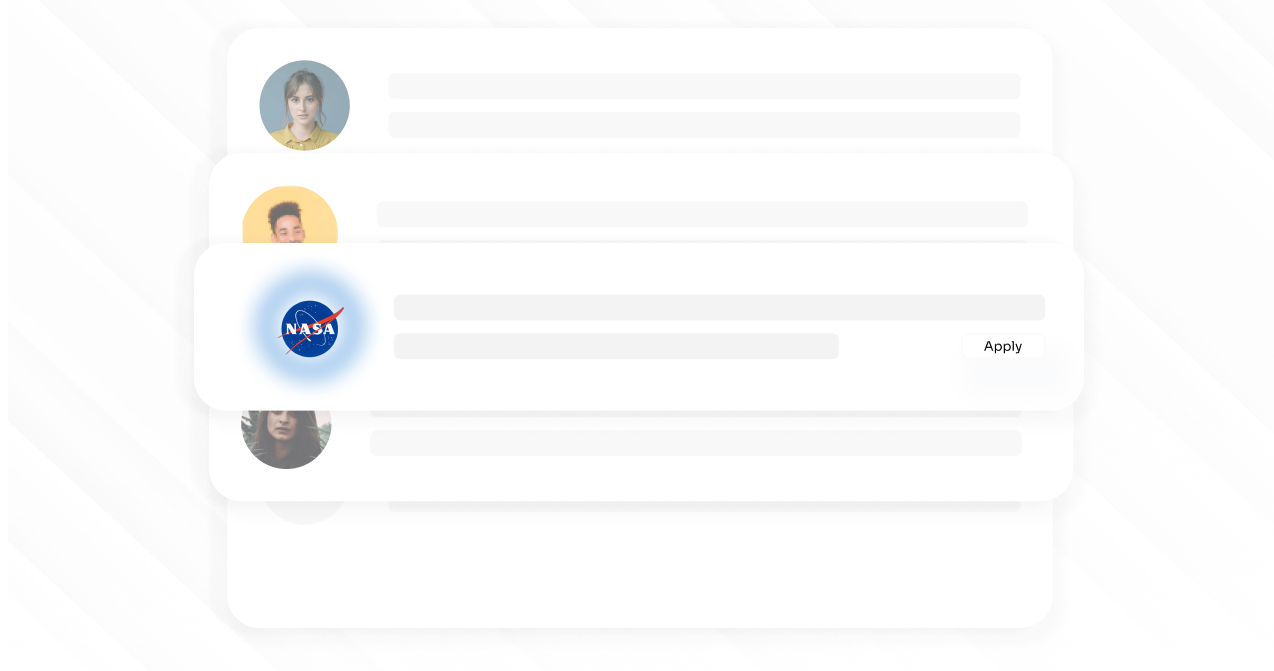
Create multiple career profiles for different career paths and discover opportunities tailored to each one.
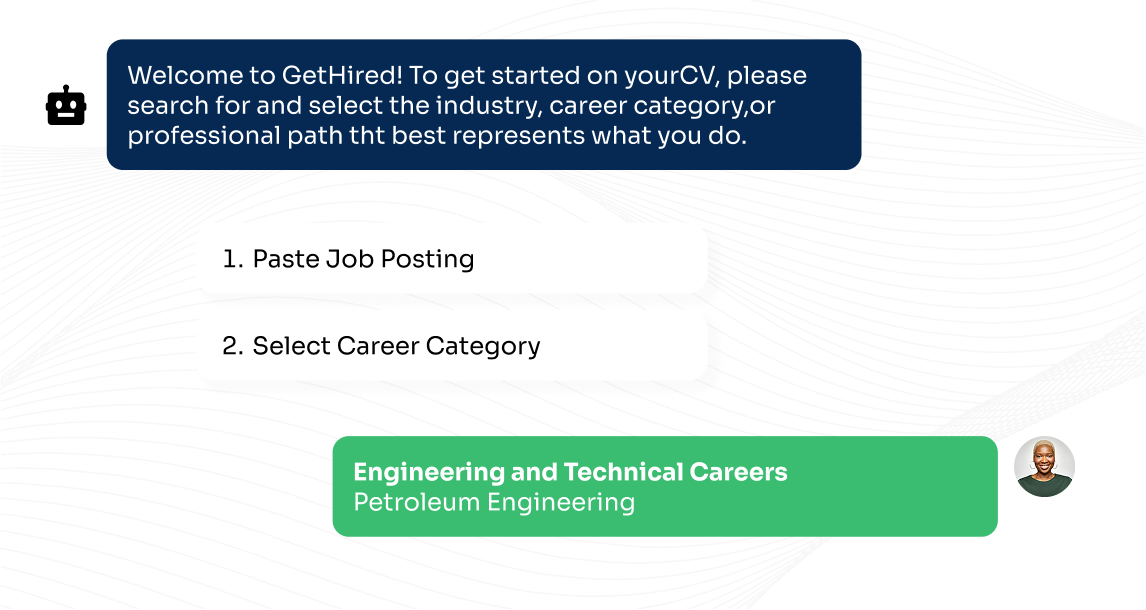
Create recruiter-ready CVs in minutes with guided inputs, structured formatting, and ATS-optimized layouts.
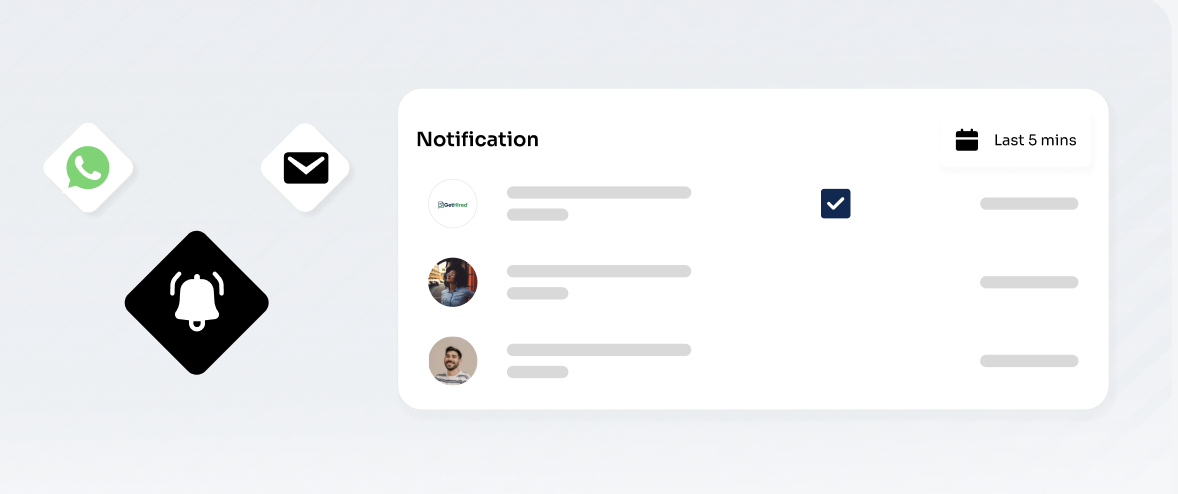
Get curated job opportunities tailored to your profile—delivered directly to your WhatsApp and email.
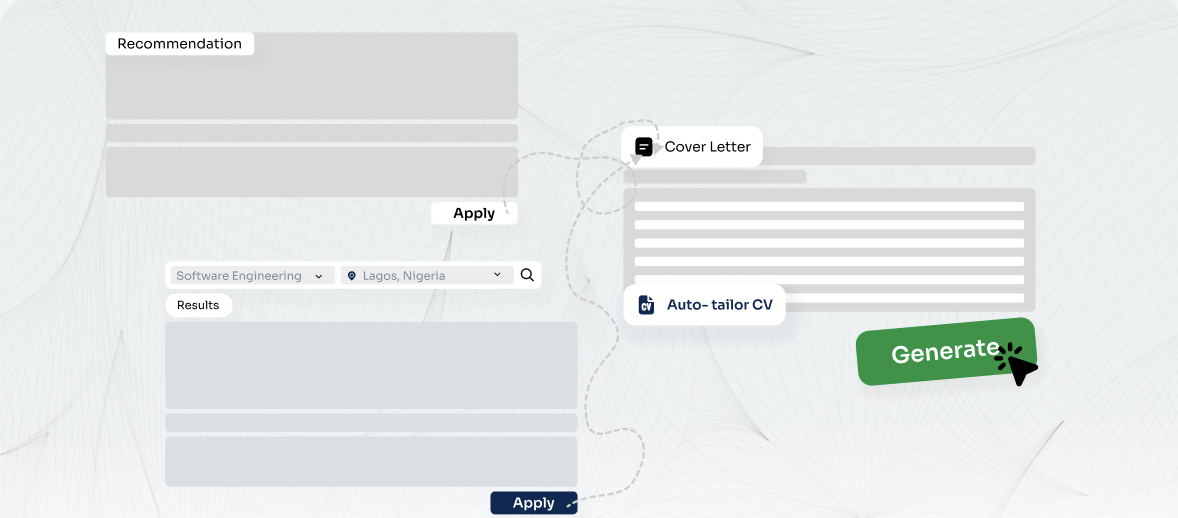
Instantly generate tailored CVs and cover letters for each job without changing your original CV.
Create your account, define your target roles, and set preferred locations so we understand what you want.
Use our CV builder or upload a CV, then generate a clean, recruiter-ready master document.
Capture skills, tools, and preferences, then connect your base CV to that profile.
Turn on alerts and ensure your plan includes CV and cover letter add-ons for auto tailoring.
We match your profile to roles and deliver recommendations via email and WhatsApp.
Generate tailored CVs and cover letters for each recommended job and download instantly.
Apply with tailored documents, track outcomes, and keep refining your profile.
 Here’s What People Mostly Ask
Stop sending out generic applications that get ignored. Equip yourself with ATS-optimized CVs. From your first auto-tailored CV to instant recommendations and job notifications for that perfect role, we have got you covered. Set up your profile today and let the right jobs find you.
Get Started